Choosing the best hosting plans starts with a practical question: what does your site need on an ordinary Tuesday? A small portfolio may run smoothly on shared hosting, while an online store with busy traffic may need VPS or cloud resources. Dedicated servers offer more control, but that control also brings more technical work. The cheapest plan can be costly if it struggles during a sales rush.
The wider cloud market shows why these choices matter. Gartner forecast worldwide public-cloud end-user spending would reach $679 billion in 2024, a 20.4% increase over 2023. This figure covers public-cloud services, not every web-hosting plan, so it should not be treated as a direct measure of hosting demand. Still, it points to a growing reliance on hosted infrastructure. Growth alone does not tell you which plan fits.
Reliability deserves as much attention as price. AWS Chief Technology Officer Werner Vogels is known for saying, “Everything fails, all the time.” For hosting buyers, that is a useful reminder to check backup frequency, recovery options, support hours, and upgrade limits—not just advertised uptime. Small details matter. This guide compares shared, VPS, dedicated, cloud, and managed hosting by cost, control, performance, and maintenance. The right choice depends on traffic patterns, skills, and budget. There is no universal winner, and even careful comparisons can miss an unexpected spike or a frustrating support delay.
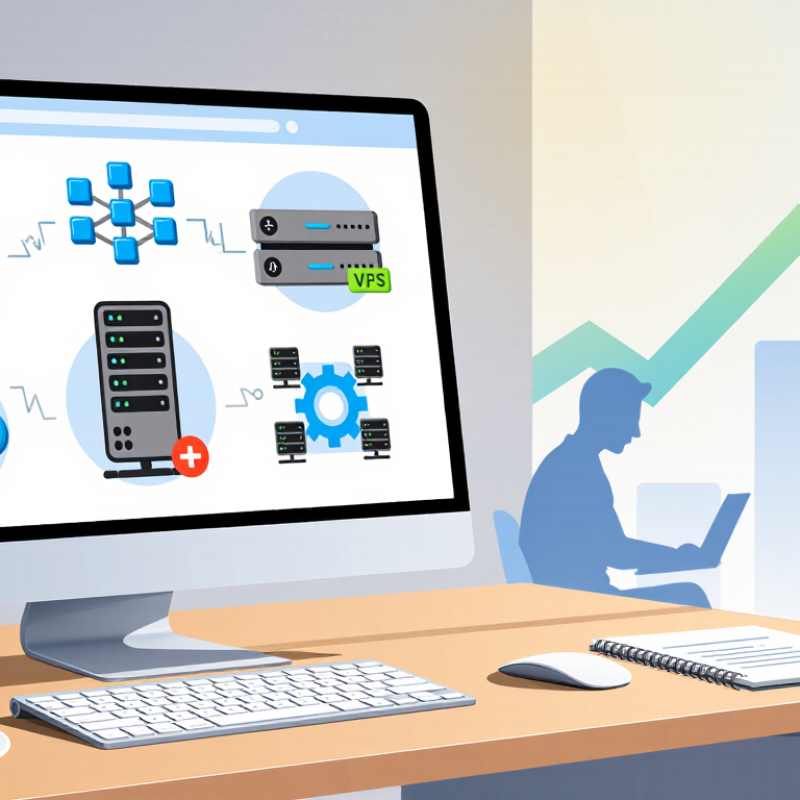
Hosting plans differ in both computing resources and the work you manage yourself. A shared plan places several sites on one server. It can suit a small portfolio or a new blog with modest traffic. But busy neighbors may affect response times, and resource limits can be less predictable.
A virtual private server gives your site a reserved portion of a machine. You usually gain more control over software, memory, and configuration. That flexibility comes with responsibility. Updates, security settings, and troubleshooting may be yours unless the plan includes management. More control, more work. For stores or applications with steady demand, dedicated resources can reduce competition for processing power. Cloud plans can spread workloads across connected servers, though pricing and setup may take closer attention.
Compare the actual limits, not just the plan name. Check memory, storage type, backup frequency, and what happens when traffic spikes. A control panel can simplify routine tasks, while managed support may handle server maintenance. Still, “managed” does not always mean every application issue is covered. Read the support scope carefully. A quiet site with large image files may need more storage, while a lightweight site with sudden visitor surges may need more processing capacity. The right fit can change as the site grows.
Shared hosting is often a sensible starting point for a small website with steady, modest traffic. Many sites use the same server, which helps keep costs low. A simple portfolio, neighborhood service page, or small blog may not need dedicated computing resources. Keep an eye on the limits, though. Busy neighboring sites can affect performance, and plan limits vary.
Speed still matters. A 2017 mobile-speed study by a major search company found that 53% of mobile visits were abandoned when a page took longer than three seconds to load. A separate 2017 performance analysis by a large content-delivery network estimated that a 100-millisecond delay could reduce retail conversions by 7%. These findings do not guarantee the same results for every small site, but they make speed worth checking. Test pages on a phone, especially image-heavy ones.
Before choosing a plan, check its storage, traffic limits, backup schedule, and support hours. Ask how easily you can upgrade if visits rise. That detail matters. Shared hosting can work well, but it is not automatically the best bargain if slow support or strict limits create trouble later. Keep regular backups somewhere separate, and review loading times after publishing new pages. A little awkwardness remains: providers may describe resource limits differently, so compare the actual terms rather than relying on labels like “unlimited.”
A virtual private server gives a website its own allocated computing resources inside a physical server. That means steadier performance than basic shared hosting, plus room to adjust CPU, memory, and storage as traffic changes. You can configure the operating system, install specific software, and set access controls. More control, more responsibility. Updates and backups still need careful planning.
The 2024 State of the Cloud Report found that 89% of surveyed organizations use multiple cloud providers, while 73% use a hybrid cloud approach. These figures reflect a broader demand for flexible infrastructure, though they do not prove that every small website needs a VPS. For a growing store, a busy booking calendar, or a test environment, a VPS can provide a useful middle ground between shared hosting and a dedicated server. Scaling is often possible without moving the whole site, but upgrades may still involve downtime or extra cost.
Before choosing a plan, check whether the provider offers clear resource limits, routine backups, monitoring, and responsive technical support. Compare guaranteed memory and storage, not just advertised maximums. A server with generous specifications can still feel slow if applications are poorly configured. That part is easy to overlook. A managed plan may suit teams without an administrator; an unmanaged plan offers more freedom, but requires practical server knowledge.
Dedicated and cloud hosting suit workloads that punish delays or downtime, but they solve different problems. A dedicated server gives one organization reserved processors, memory, and storage. That can help databases, transaction systems, and steady high-traffic sites avoid noisy-neighbor effects. Cloud hosting can add capacity when demand spikes, such as during a product launch, then scale back afterward. It also makes distributed deployments easier, though poorly managed resources can create surprise costs.
Resilience needs more than a hosting label. Uptime Institute’s 2024 Annual Outage Analysis found that 54% of respondents said their most recent significant outage cost more than $100,000. That figure is a reminder to plan for backups, monitoring, and tested recovery—not just faster hardware. A dedicated machine may offer clearer performance control, yet it can leave teams responsible for capacity planning. Cloud platforms offer flexibility, but configuration mistakes can still cause outages. Neither choice is magic.
Tips: Match the plan to measured workload patterns. Track CPU, memory, storage latency, and peak traffic for several weeks. For stable, resource-heavy applications, consider dedicated capacity; for uneven demand, test cloud scaling limits and set spending alerts. Write down recovery steps, then rehearse them. Small gaps show up fast.
| Evaluation Dimension | Dedicated Hosting | Cloud Hosting | Best Fit for Demanding Workloads |
|---|---|---|---|
| Infrastructure | A physical server is assigned to one customer, providing dedicated access to its hardware resources. | Compute, storage, and networking resources are delivered from a pool of connected infrastructure and provisioned as needed. | Choose dedicated infrastructure when consistent access to a particular server’s resources is important; choose cloud when resource flexibility matters more. |
| Performance and isolation | Dedicated hardware offers strong workload isolation and predictable resource allocation. Performance still depends on server specifications and configuration. | Resources can be provisioned quickly, but performance and isolation depend on the service design, instance type, and architecture. | Dedicated hosting can suit sustained, resource-intensive workloads; cloud can suit demanding workloads with changing resource needs. |
| Scaling capacity | Increasing capacity generally involves upgrading hardware or adding servers, which may require planning and provisioning time. | Compute and storage capacity can often be increased or reduced through the provider’s platform. Scaling may be vertical, horizontal, or both. | Cloud is often a practical choice for workloads with rapid or unpredictable changes in demand. |
| Availability and resilience | A single server can be a point of failure unless redundancy, backups, and failover systems are designed separately. | Resources can be distributed across systems or locations, but high availability requires deliberate architecture and configuration. | Neither hosting type guarantees resilience by itself. Plan for backups, monitoring, and tested recovery procedures. |
| Management requirements | Managed and unmanaged options are common. Server maintenance, security updates, and monitoring depend on the service agreement. | Some infrastructure tasks can be automated, but customers may still need to manage operating systems, applications, access, and architecture. | Compare the included support and operational responsibilities, not just the infrastructure type. |
| Cost characteristics | Often billed as a recurring server or service fee. Capacity is usually allocated in advance, which can leave resources unused during quieter periods. | Costs commonly vary with provisioned resources and usage. Poorly controlled scaling or data transfer can increase bills. | Dedicated hosting can suit stable, continuous demand; cloud can suit variable demand when usage and budgets are monitored. |
| Typical workloads | Large databases, sustained high-CPU applications, custom software stacks, and workloads needing dedicated hardware access. | Variable-traffic applications, distributed services, development environments, and systems that need flexible capacity. | Match the plan to workload patterns, resource requirements, compliance needs, and the team’s operational capacity. |
| Key trade-off | Predictable access to dedicated hardware, with less flexibility to change capacity quickly. | Flexible provisioning, with greater need to manage architecture, resource usage, and ongoing costs. | For some applications, a hybrid design can combine dedicated servers for steady core workloads with cloud resources for variable demand. |
Choosing a hosting plan starts with the site you need to run, not the biggest package available. A small portfolio with a few pages may work well on shared hosting. An online store or busy community site needs more room for traffic, storage, and security controls. Estimate your visitors, but leave space for sudden increases. Traffic forecasts are rarely perfect.
Shared plans keep costs and setup simple, though busy neighboring sites can affect performance. A virtual private server offers more control and allocated resources, but usually requires technical upkeep. Managed hosting can reduce routine server work; check exactly what support includes. Cloud hosting can adjust resources as demand changes, but billing may be harder to predict. I’d compare renewal prices, backup frequency, restore options, and support hours—not just the introductory price. Small details matter.
Tips: Write down your site’s must-haves: expected traffic, software, storage, and help you may need. Check whether the plan includes SSL, automated backups, and clear resource limits. Ask how quickly support responds before choosing. If you are unsure, start with a plan you can upgrade without moving your site; migration can be fiddly.